WhyWorks is an ERP and groupware suite that connects e-approvals, HR, attendance, payroll, accounting, sales, projects, and even company-domain email in one place.
You get a finished ERP plus its full source code, and a voice AI agent that links schedules, email, approvals, HR, and more, so the system can keep evolving the way your company works.
It may fit well at first. But the moment your work changes, a gap opens between the system and reality.
Eventually, your company starts bending to the system. Spreadsheets reopen, the same numbers get entered twice, and new work piles up outside the ERP.
The real question isn't how many features you have. It's whether the system can change when your work does.
Both approaches have clear trade-offs. WhyWorks aims to give you the fast start of a finished ERP and the freedom to change of a custom build.
A ready-to-use ERP for SMBs, delivered with full source code and the AI-assisted skills to customize it yourself.
62 business modules, from e-approvals to payroll. Get started quickly without building from scratch.
You get the complete backend and frontend source. Modify and extend it for your own business needs.
We train your team on your actual codebase to modify, test, and deploy with AI coding tools.
= An ERP you don't build from scratch, and keep evolving to fit your company
The Agentic AI ERP in WhyWorks isn't one more chatbot to open. ZOO, your work assistant, understands your voice and, within your permissions, connects ERP work across schedules, meetings, leave, deadlines, email, notifications, approvals, and employee information. It reads answers aloud and opens the screen you ask for.
In-house speech recognition turns your request into text, and ZOO looks up the ERP data. The answer appears on screen, is read aloud in a natural voice, and you land on the menu you asked for.
Get straight to the work you need, without typing or digging through menus.It pulls tasks, deadlines, and amounts out of email, and turns Kanban, meeting, and schedule records into daily summaries and draft weekly reports.
Spend less time re-collecting data that's already been entered.It finds requirements and terms in RFPs and checks proposals for gaps. It also does a first-pass review of contracts for unfavorable or missing clauses.
You check AI drafts against their supporting sentences, and a person makes the call.Search “annual leave carryover” and it also finds “Can I roll over my unused vacation days?” Ask about company policy in plain language, and every answer comes with the source text.
The source documents appear alongside, so you can verify.OCR fills in the fields from receipts and business cards. Voice memos keep the original recording and transcript together in your personal file library.
However it's entered, it becomes one continuous record in WhyWorks.AI fills in English translations for newly added screen text in batches. AI writes the draft, and people review it.
With international staff or overseas entities, everyone works from the same screen.AI work on sensitive source material like email, contracts, RFPs, and payroll is processed by a local LLM and isn't sent to external generative AI APIs.
Local model features run with no external API usage fees. You do need to account separately for the cost of building and operating your own AI server.
If the AI server goes down, core ERP functions keep working. The optional cloud chat AI and external web search are covered by separate transmission and security policies.
Note: Contract review results are draft reference material and do not replace legal advice. AI features require a separate GPU server, and the setup varies by service model.
62 business modules across e-approvals, HR, attendance, payroll, accounting, sales, projects, and collaboration, connected in one AI ERP to cut double entry and tool switching.
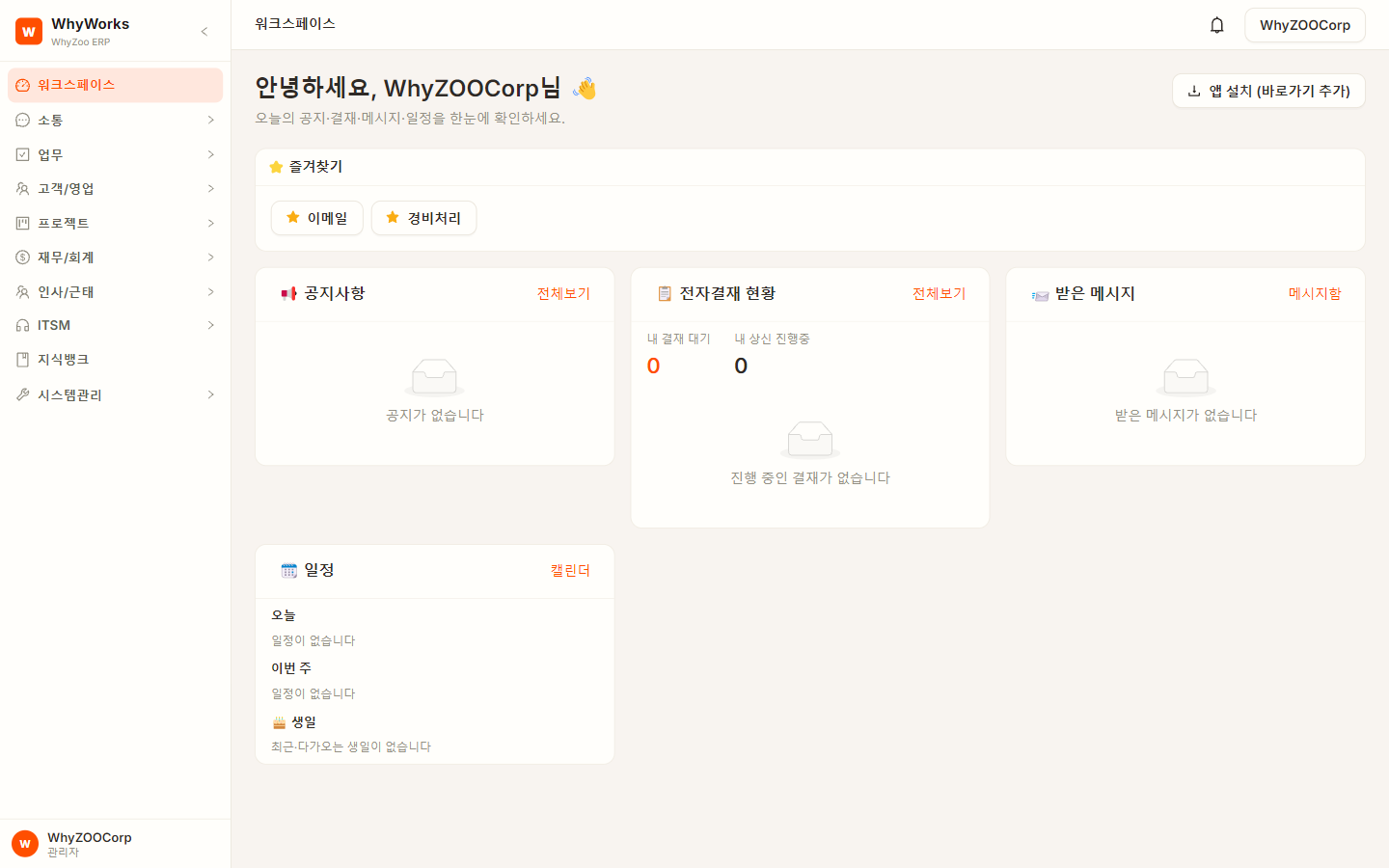
As soon as you log in, see documents awaiting approval, notifications, schedules, and team workloads at a glance, with today's AI summary surfacing what matters first. Admins can change screen text and menus right from the admin console.
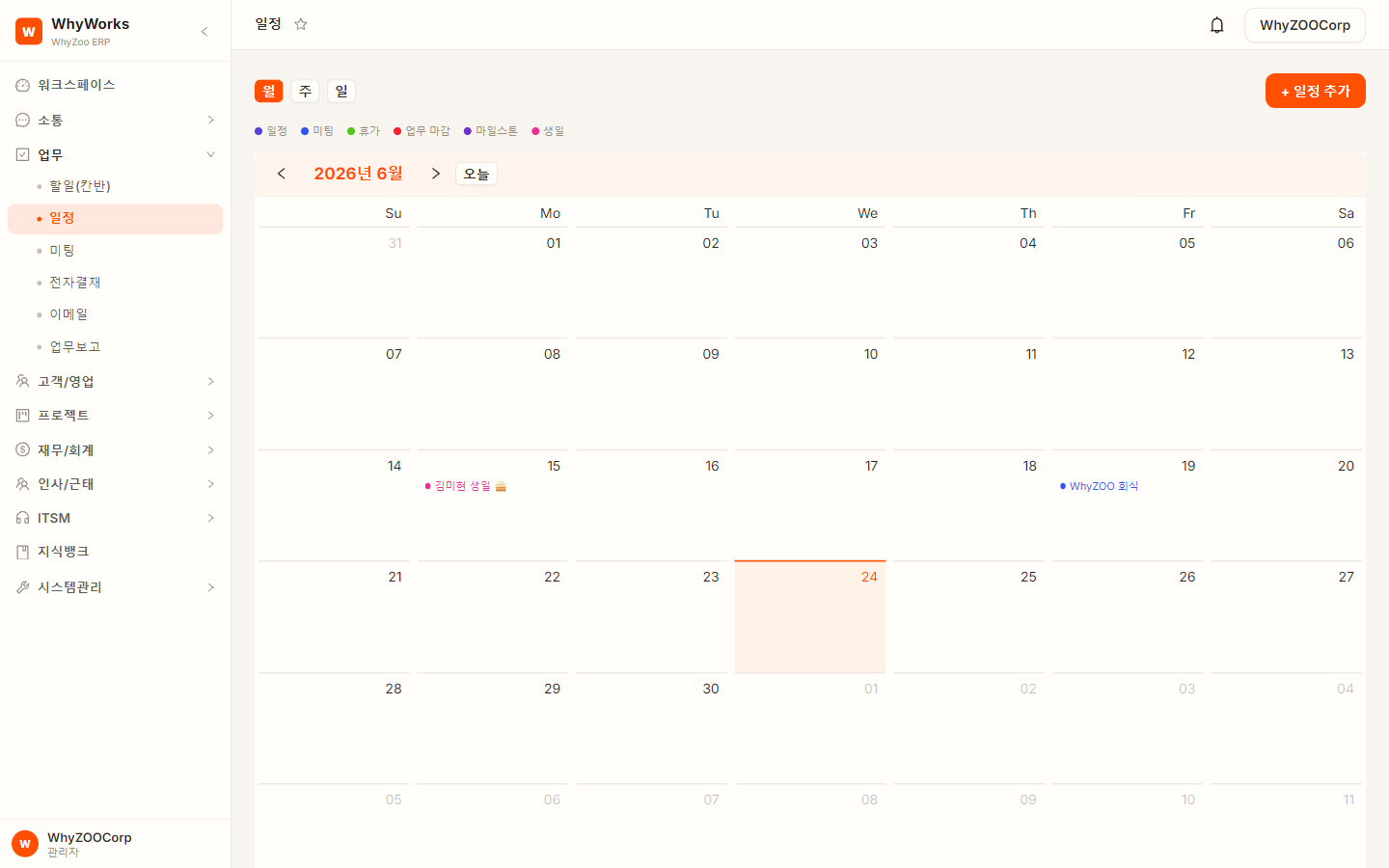
See work status visually with a calendar and Kanban board, and change priorities with a simple drag. AI drafts your weekly report, and voice memos keep the recording and transcript together.
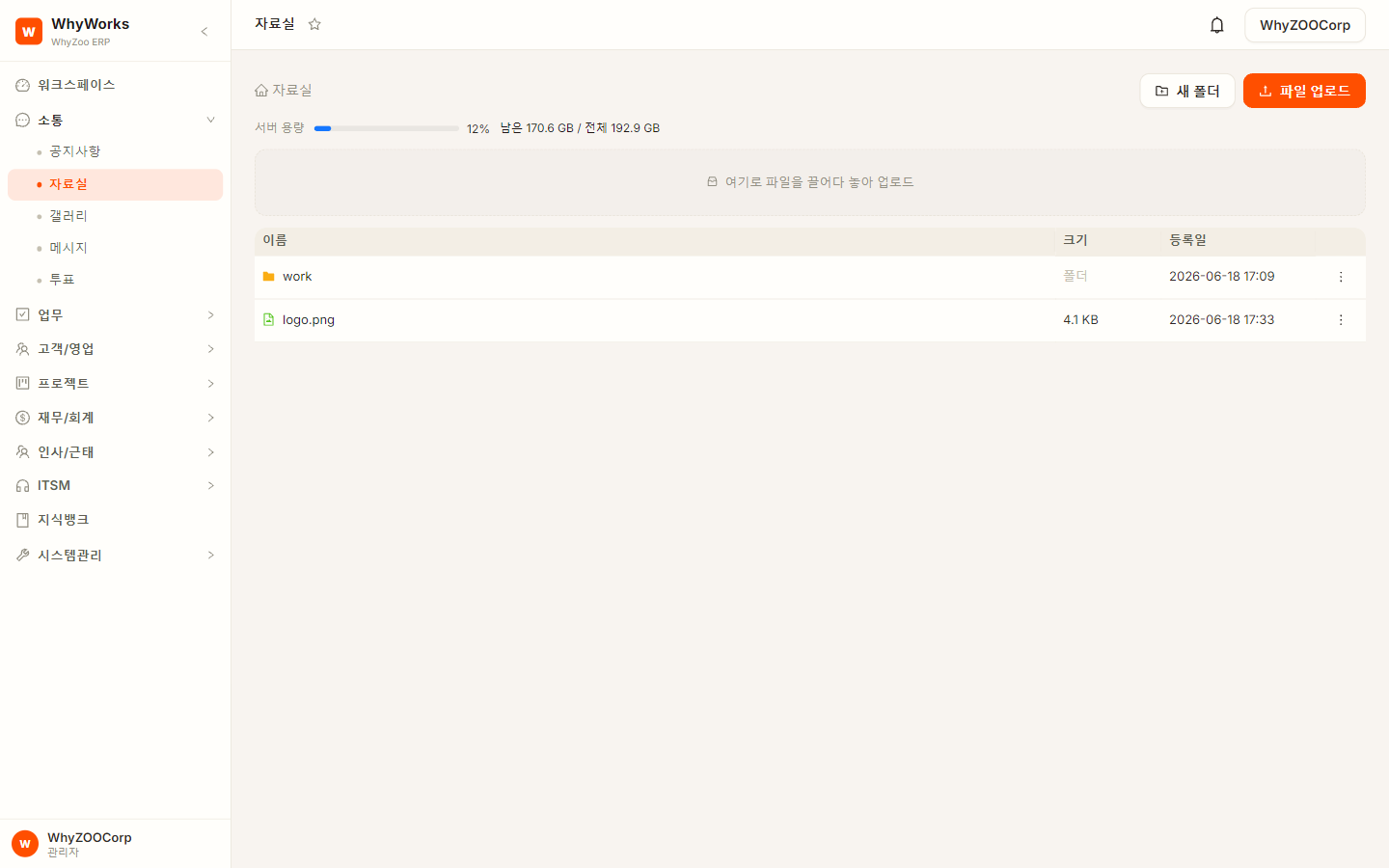
Real-time chat, announcements, a file library, and polls, plus an AI assistant that joins your chat rooms. Company policies and manuals are searchable by meaning.
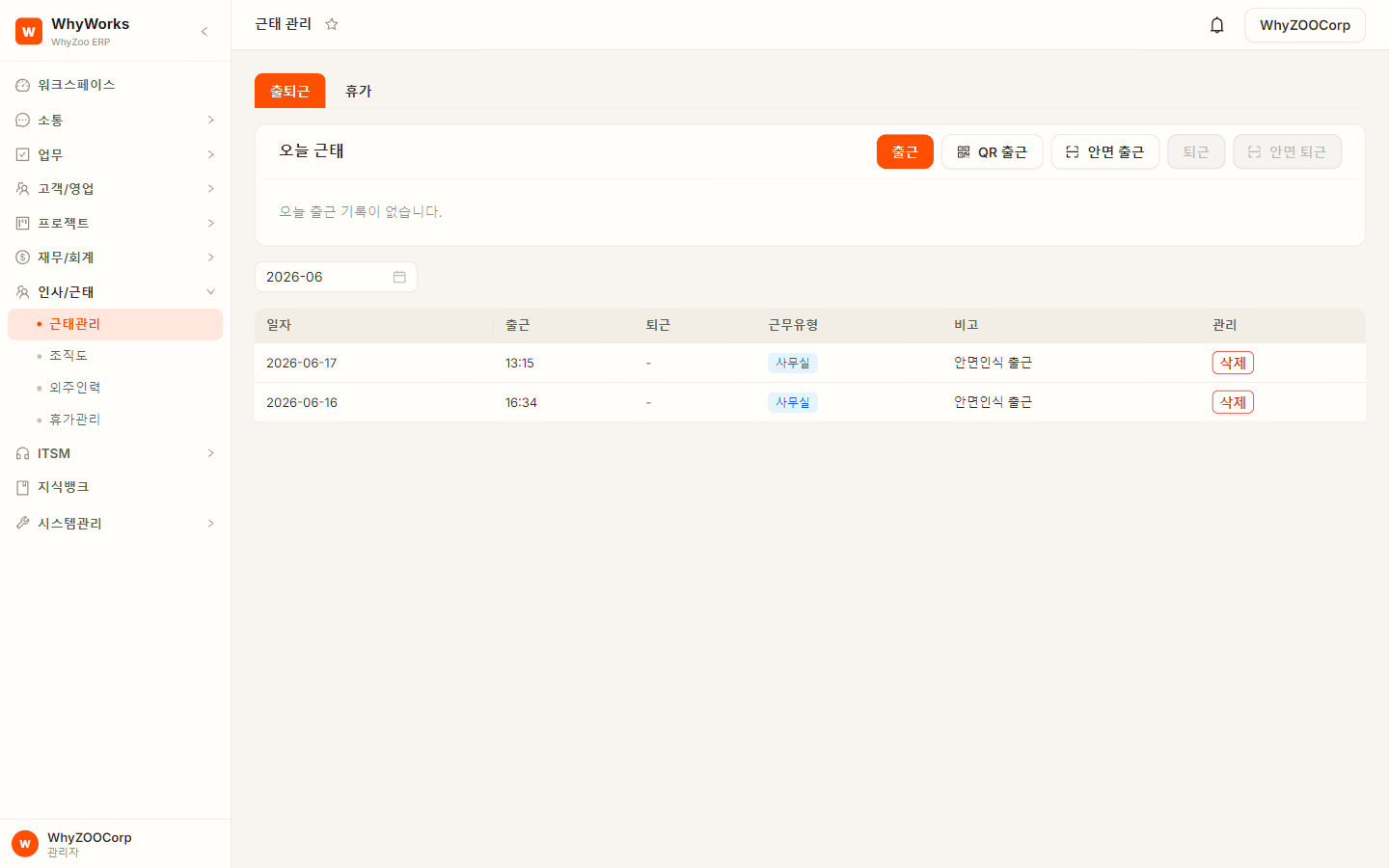
Instead of methods that make buddy punching easy, WhyWorks uses ArcFace face authentication. No cards or fingerprint terminals. A single webcam is all you need.
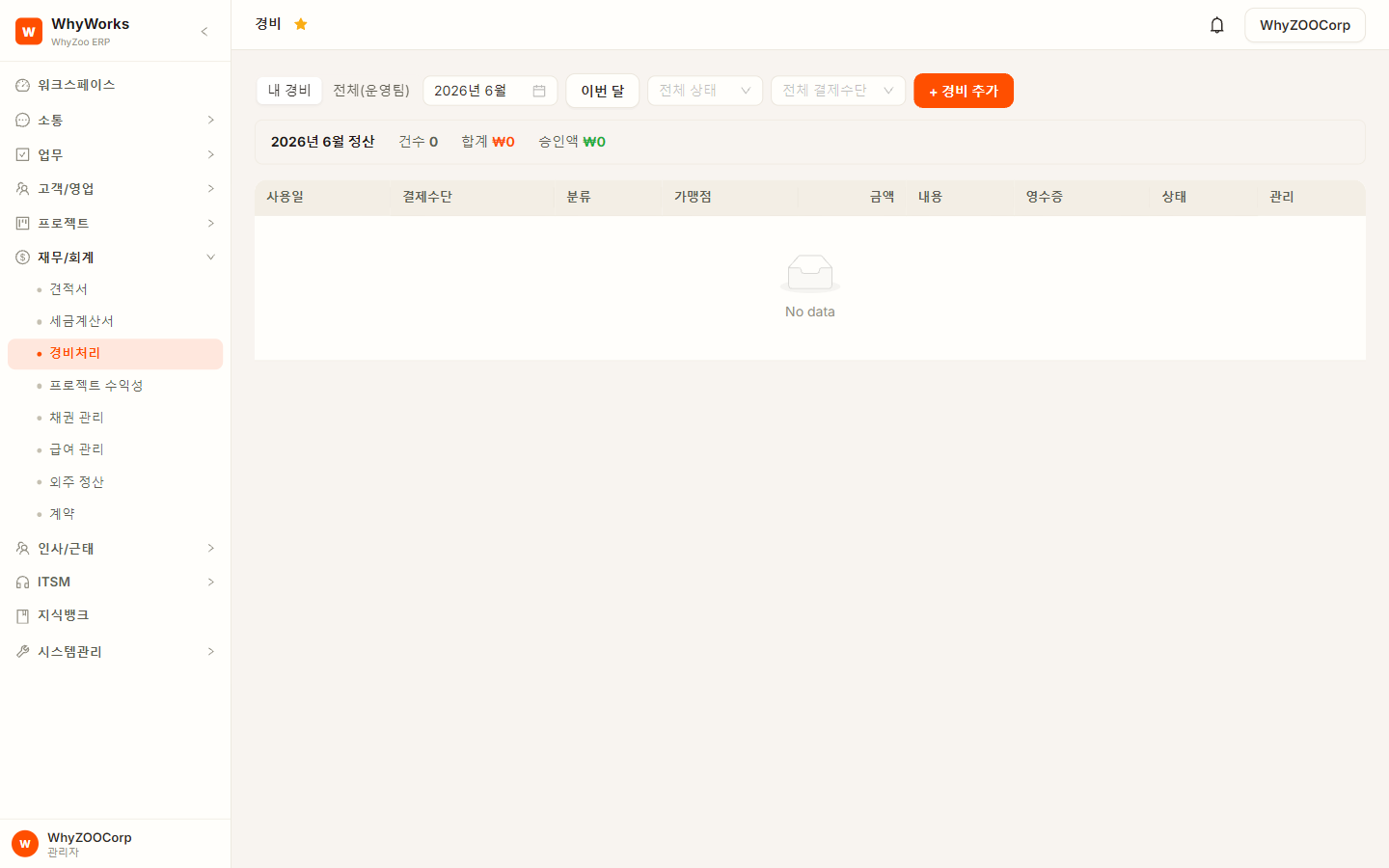
Snap a receipt and AI reads the text and fills in the expense claim automatically. Text recognition and vision reading are cross-checked to reduce misreads.
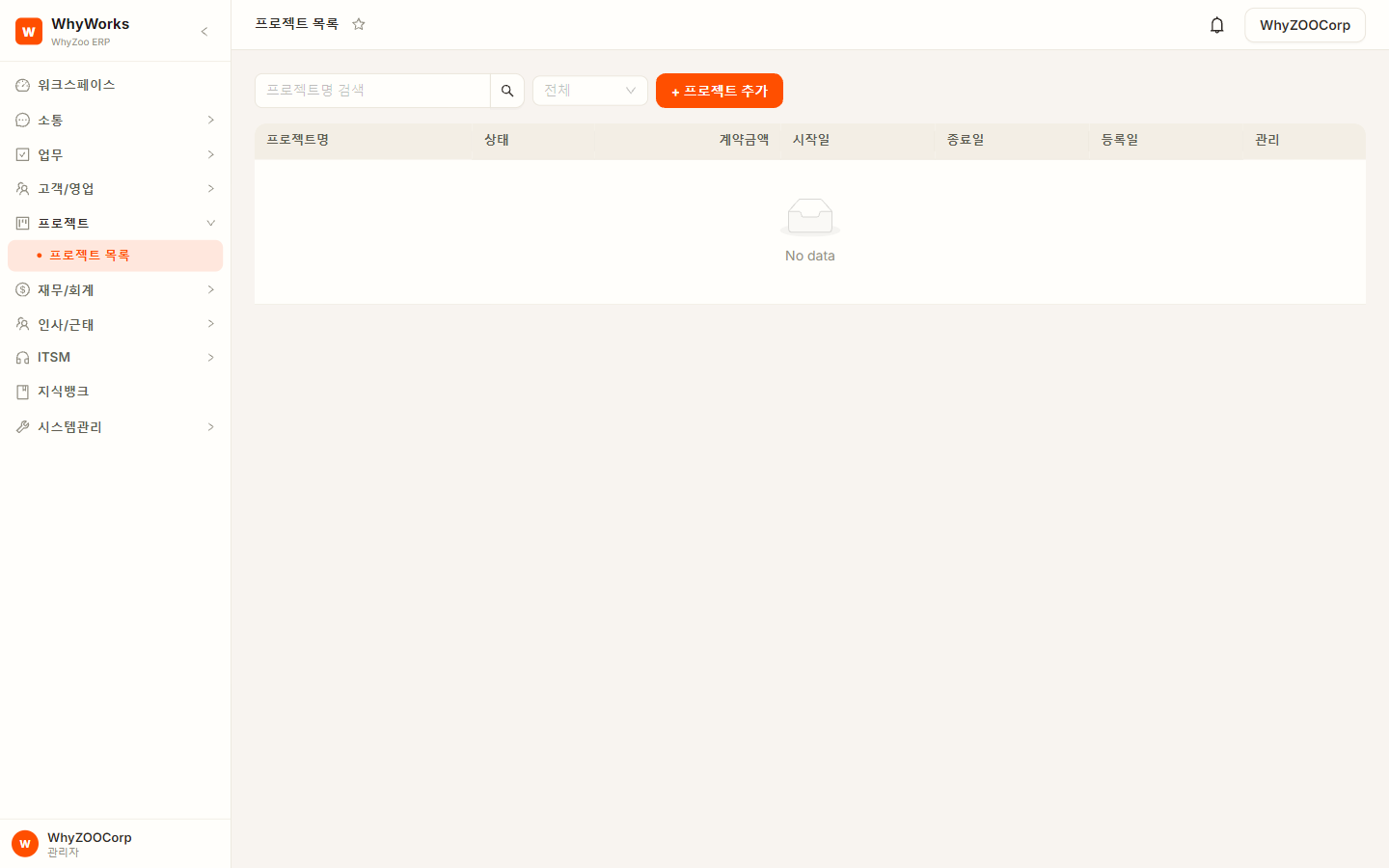
Manage everything in one flow, from RFPs and proposals at the bid stage to schedules, deliverables, effort, and profitability during delivery. AI organizes and compares documents first, while your project lead decides the standards and what gets applied.
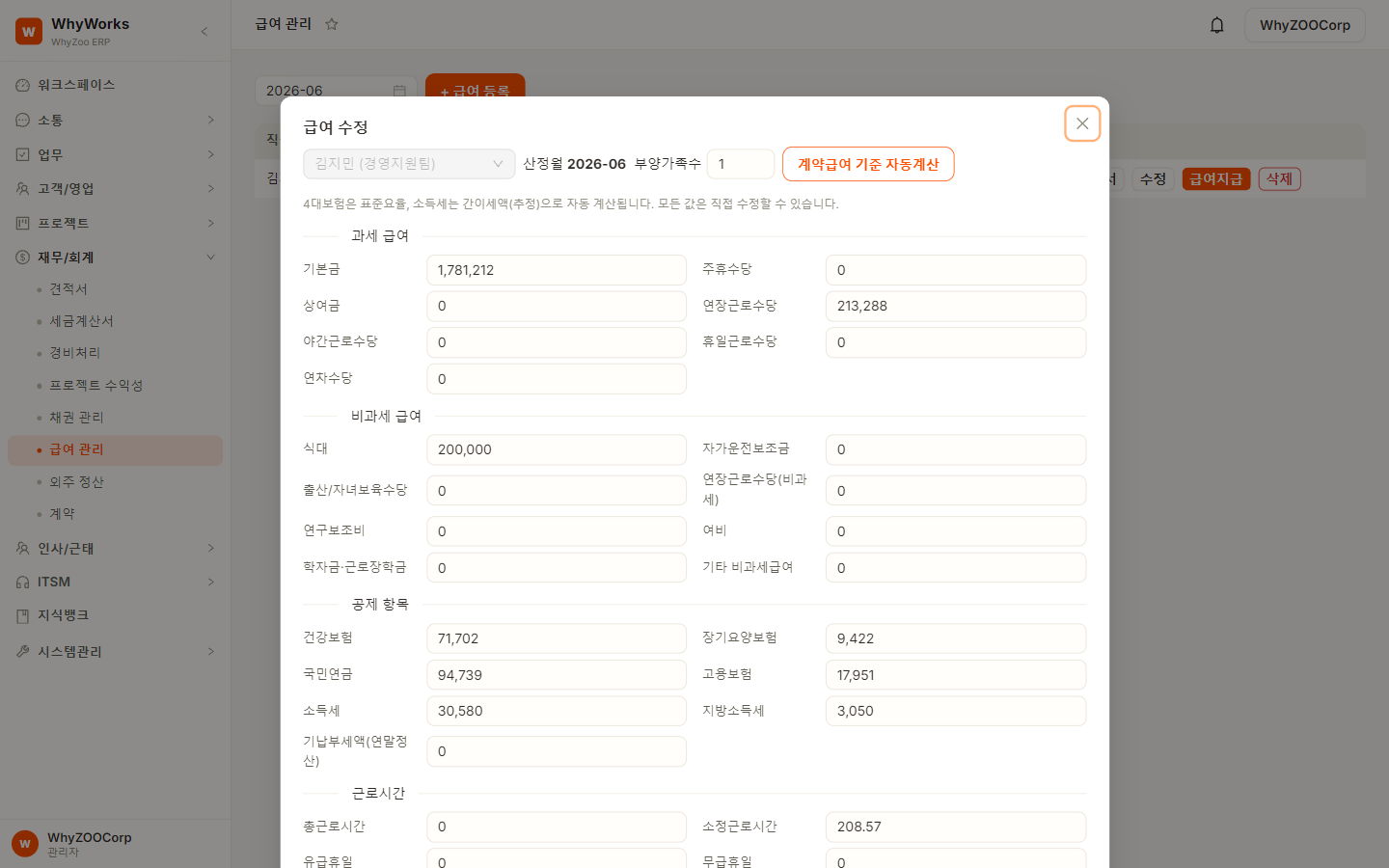
Supports payroll calculation based on wage terms in employment contracts and actual attendance records, through to generating and sending pay stubs. Contracts can be signed electronically.
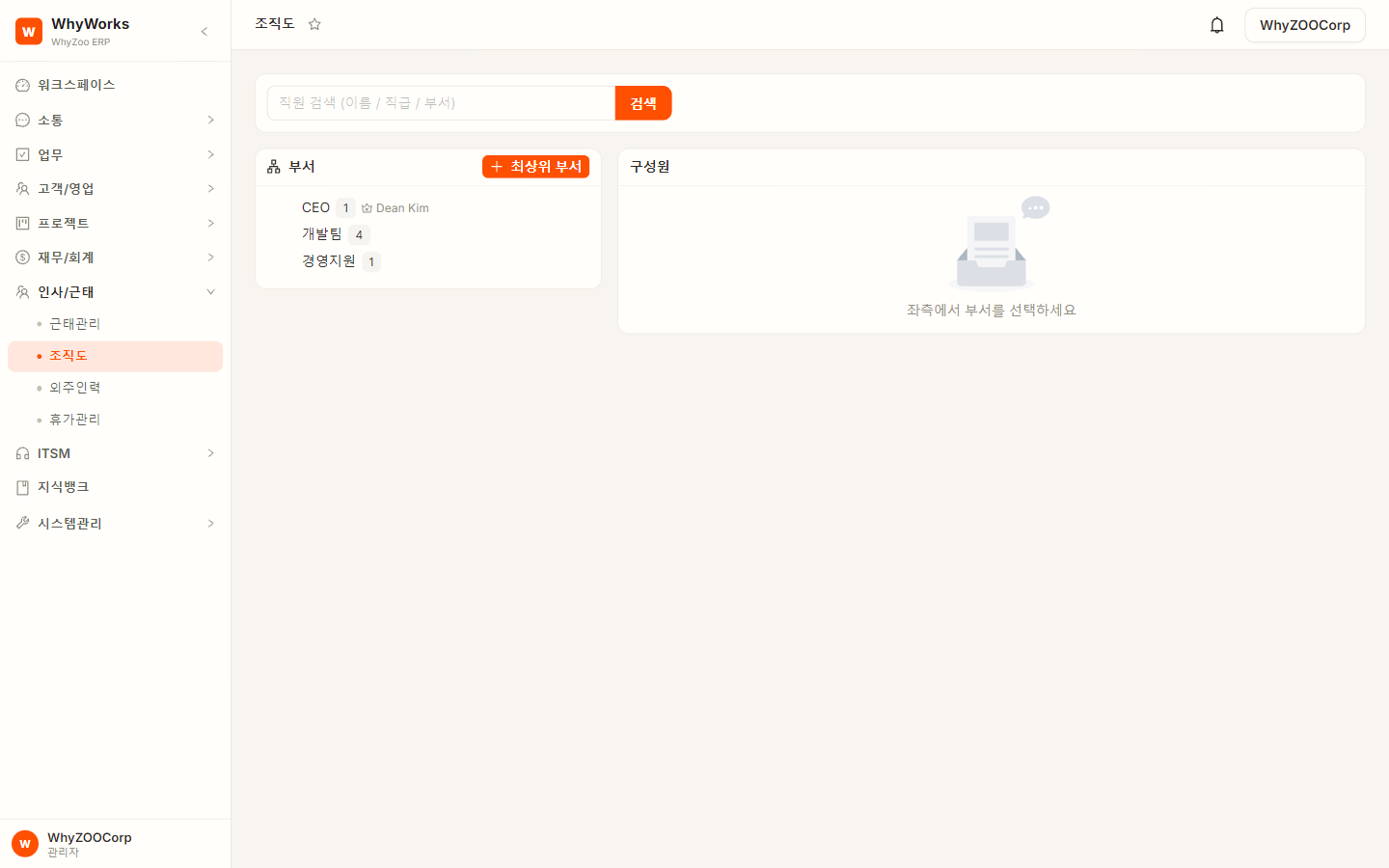
Supports annual leave management based on your configured policies and each hire date, with an intuitive way to manage your department hierarchy. Permissions are controlled by role, down to the menu level.
No separate mail hosting contract needed. Register an employee and a name@your-company-domain mailbox is created right away, so company email is sent and received inside the ERP. Email sent from ERP screens, like quotes, goes out from the same company address.
Their ID becomes their company email address. They can log in with either the ID or the email address.
Connect existing external accounts (IMAP, POP3) to receive everything together, and send from the primary address you choose.
A mail server with SPF, DKIM, and DMARC sender authentication is installed along with WhyWorks.
Includes virus scanning, executable attachment blocking, a spam filter, and a spam folder. Admins can block senders reported by employees across the whole company.
A threat one person catches is blocked for everyone.If attachments exceed the mail limit, only the files over the limit become 7-day download links added to the message. Scheduled sending and read receipts work too.
No more email bounced for being too large.It flags suspected phishing, writes summaries, translations, and draft replies, and pulls out tasks, deadlines, and amounts into draft work cards.
Email content is processed by your in-house local LLM and isn't sent to external AI.Note: Receiving email on your company domain requires DNS (MX, SPF, DKIM) setup for that domain, and we'll guide you through it during adoption. Attachment limits and link retention periods can be adjusted for your environment.
Handle frequent changes in the admin console, company-specific processes in the source code, and recurring improvements in-house.
Rename “Vendor” to “Client” or “Approval” to “Sign-off.” Edit the key text on any screen right from the admin console, with no developer and no redeployment. The same goes for menus and permissions.
Fields unique to your industry, your own formulas, integrations with existing systems: company-specific requirements can go in at the source level.
Practice making changes with AI coding tools on your actual codebase. If you have in-house IT staff, this gives them the foundation to handle recurring improvements themselves.
The product stays the same. What differs is who runs it and who improves it. Pick the model that fits your IT capabilities and security policies.
Run it yourself on your own servers
We run it. You keep the right to change it.
Hand off operations and focus on your business
Cost depends on your company size, service model, and customization scope. We review your environment and needs, then give you an exact figure in a consultation.
You can modify and extend the source code without limit for your own business use. Only resale and redistribution to third parties are restricted.
What matters more than feature count is whether you still have choices and room to grow after you adopt.
With the full source and your data, you can choose to run independently even after your contract ends. Switch to Self-run or work with a different operations partner.
“The reason you stay should be the product and service, not the contract.”
Customers should be able to choose how they operate, not be tied to a single provider. WhyWorks aims to be the product you keep choosing over the long term.
Custom systems offer freedom but often lose their update path. WhyWorks is designed to carry both company-specific customization and shared core updates.
“Customer improvements advance the core,
and core advances flow back to customers.”
We take the best improvements customers build, bring them into the core, and ship them to every customer. If your improvement is adopted into the core, we reduce your maintenance fees. Every fix makes things better for everyone.
You see what needs to change best when it's applied to real work. Start with a finished system and build in feedback from real use.
We assess your work environment and requirements and choose the right service model together
Install right away and use it for real work for a month. You only find the rough spots by using it
We use AI to quickly apply the collected requests, then roll out the official release
Practice modifying, testing, and deploying on your actual codebase to build in-house improvement skills
Run it yourself or keep improving the system with WhyZOO
No sales calls and no approval process. Use the public demo account to try the main features of WhyWorks yourself.
Start with a finished system, change only what you need, and let the ERP evolve as your work does. See the demo first, then decide together on the operating model and customization scope that fit your company.